
Download STOIK Stitch Creator – Cross-Stitch Pattern Generator, Image to Stitch Converter, Craft Design Tool
Overview
STOIK Stitch Creator is a specialized mobile application designed for cross-stitch crafters seeking to transform personal images into custom embroidery patterns. The app addresses the common challenge of limited access to unique or personalized designs by enabling users to convert any digital image—be it a family photo, artwork, or online image—into a printable cross-stitch pattern. This functionality empowers hobbyists and professionals alike to create one-of-a-kind projects tailored to their preferences, making it a valuable tool in the creative crafting ecosystem.
The application targets both novice and experienced cross-stitch enthusiasts who want greater control over their design process. By eliminating the need to rely solely on pre-made patterns, STOIK Stitch Creator enhances creative freedom and supports personalized crafting. The developer, STOIK, has established a reputation for producing niche creative software, though specific company details were not provided in the available data. Real-world use cases include converting holiday photos into stitched keepsakes, designing custom gifts, or creating themed decor for events.
Within the broader mobile app landscape, STOIK Stitch Creator fills a unique gap by combining image processing with craft-specific tools. Its focus on accessibility and customization positions it as a go-to utility for digital crafting, particularly for users who value both technical precision and artistic expression in their projects.
Key Features & Functionality
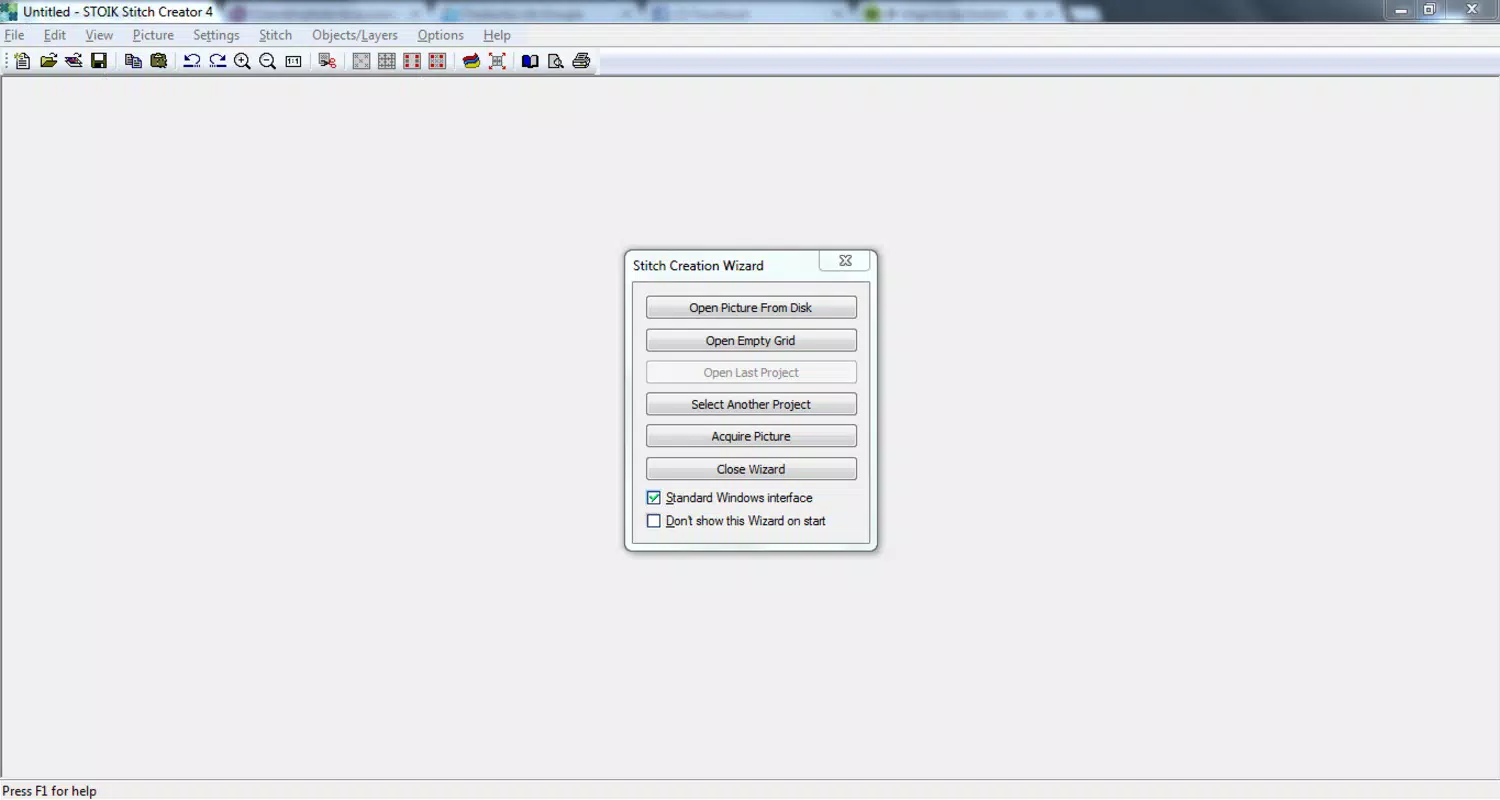
- Image Importing: Users can import images from local storage, connected scanners, or online sources, allowing for seamless integration of personal or public domain visuals into the design workflow.
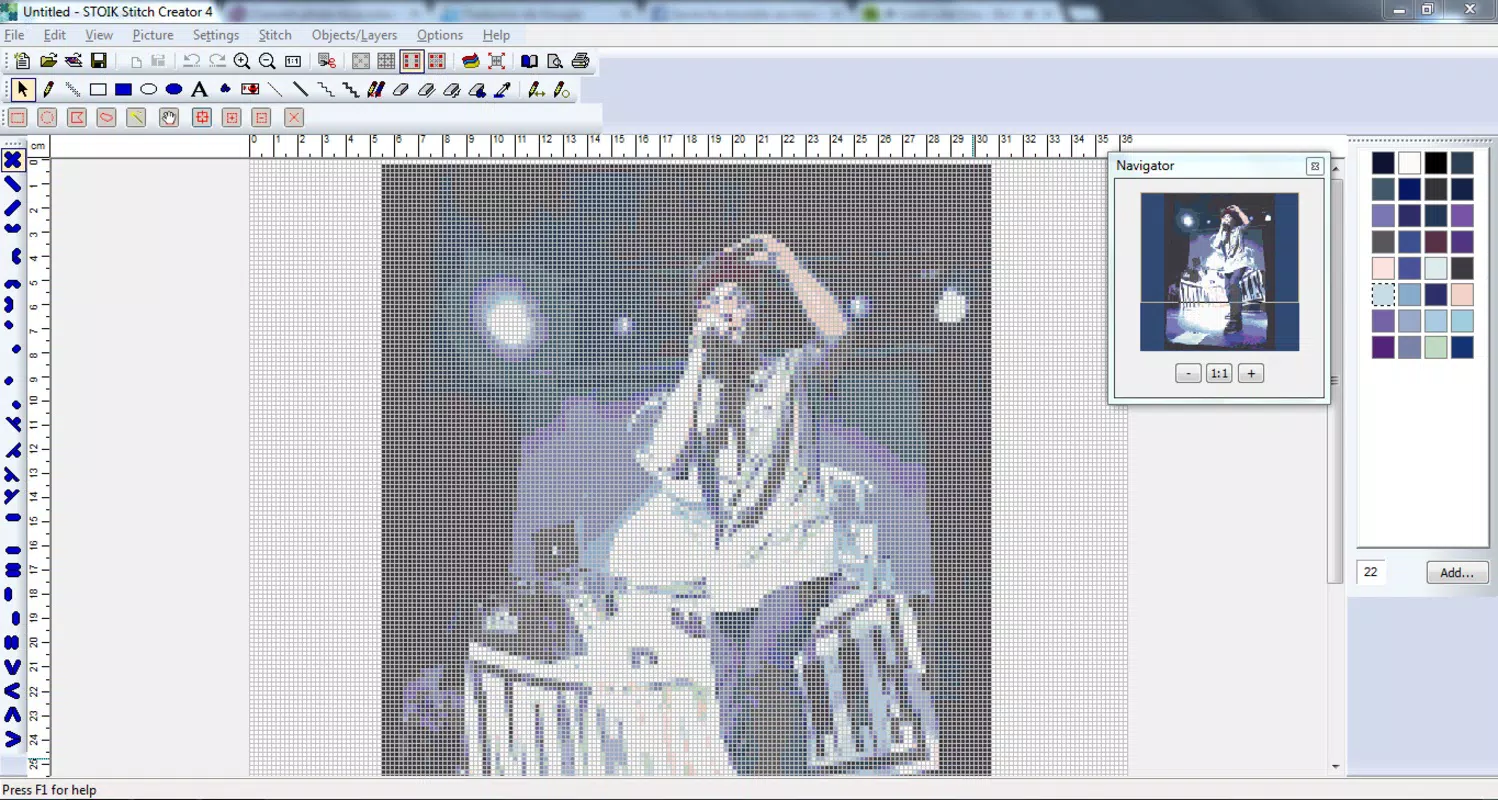
- Manual Edit Tools: After image conversion, users can manually adjust color palettes, stitch density, and design elements to refine the final pattern, ensuring alignment with personal or project-specific aesthetics.
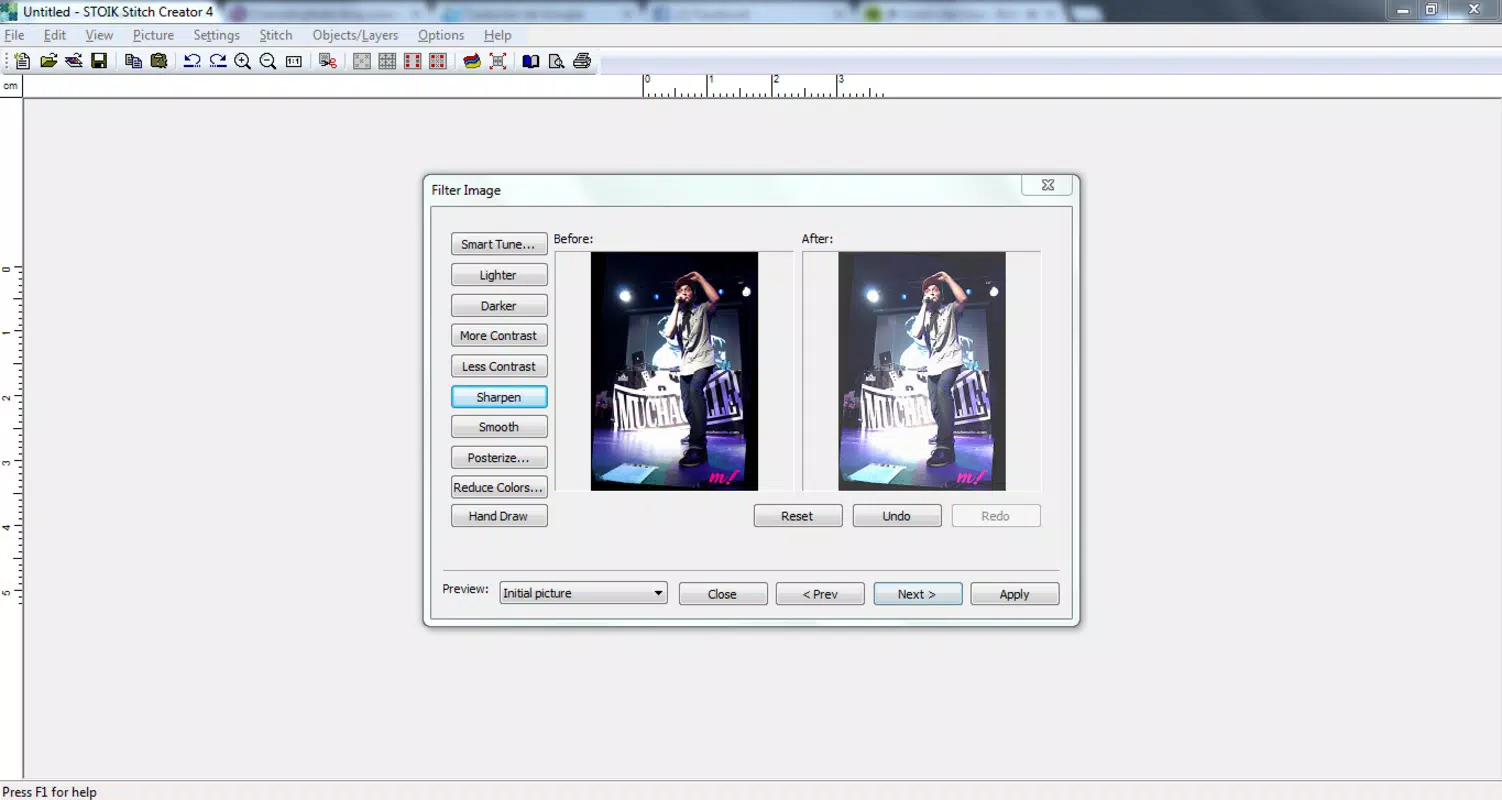
- Pattern Filters: A variety of filters enable users to apply different stitching styles—such as classic, simplified, or artistic—while adapting thread color schemes to match the desired visual outcome.
- Brand Catalogs Access: The app includes access to up-to-date catalogs of embroidery thread brands, helping users select compatible materials that match their pattern’s color requirements for accurate and professional results.
- Detailed Preview: Before finalizing or printing, users can review the pattern in high detail, identifying potential errors or inconsistencies and making real-time adjustments to improve quality.
For example, a user might convert a scanned portrait into a cross-stitch design, then use manual editing to simplify complex areas for easier stitching. Another user could apply a vintage filter to a landscape photo, then select a thread brand from the catalog to match the historical color palette. These features collectively enhance usability and creative control, making the app suitable for both casual and advanced crafters.
Interface, UX & Performance
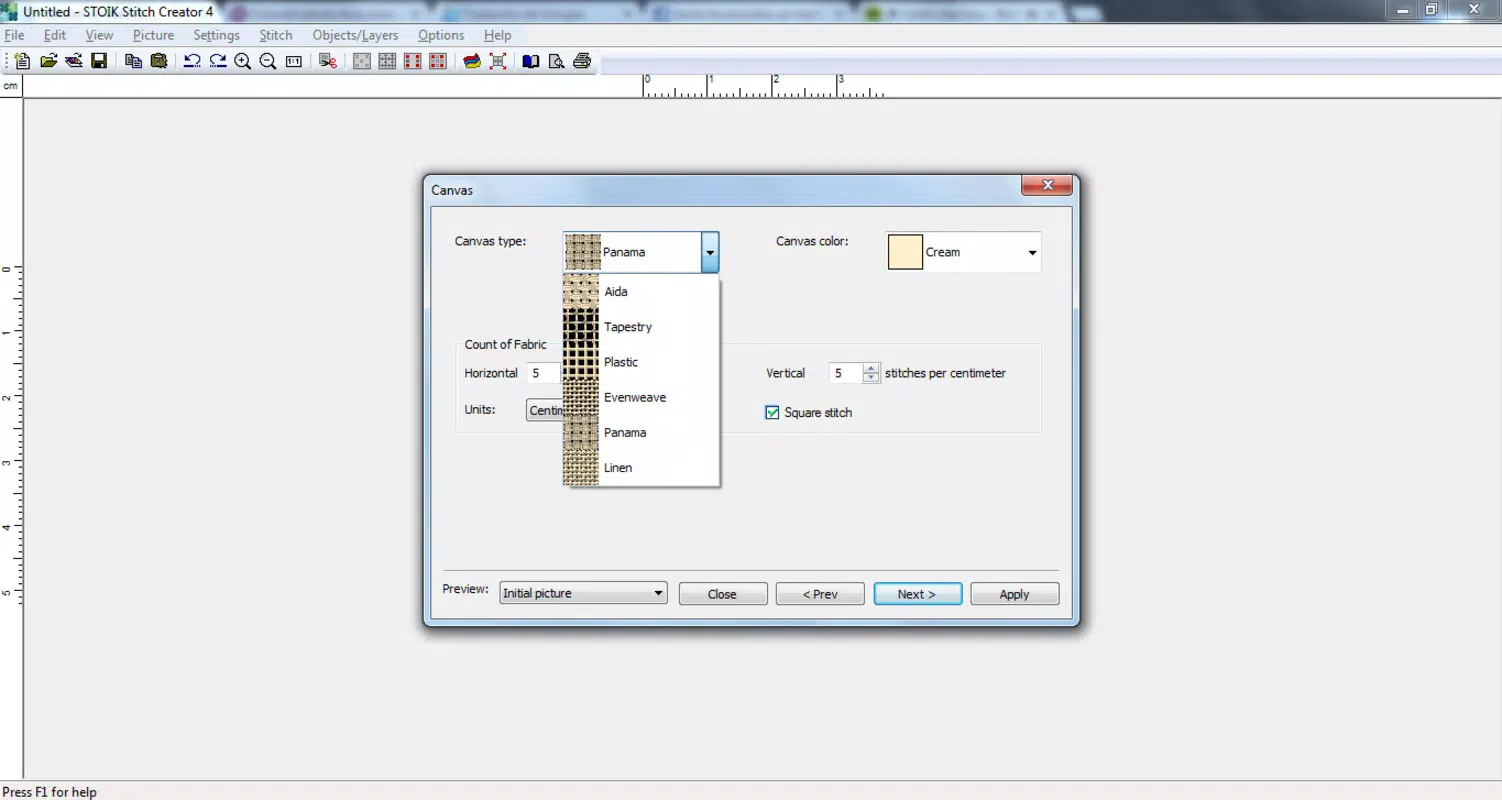
The app’s interface is structured to support a smooth workflow from image import to pattern preview. Navigation is likely designed around a step-by-step process, minimizing user confusion and streamlining the conversion journey. Visual design emphasizes clarity and functionality, with intuitive icons and organized toolbars that prioritize accessibility for users of varying technical skill levels.
Although the developer did not list formal performance metrics, the application appears optimized for stability during image processing tasks. Responsiveness is expected to be consistent across mid-to-high-end devices, though performance on lower-tier hardware may vary without specific requirements disclosed. The app maintains a stable state during editing and preview phases, reducing the risk of crashes or data loss during lengthy design sessions.
Users can expect a generally seamless experience when using the app for standard tasks, such as converting images and applying filters. However, the lack of detailed technical specifications prevents definitive claims about load times or memory usage. Overall, the UX design supports a user-centric approach, focusing on minimizing friction and maximizing creative output.
Platform Compatibility & Technical Requirements
STOIK Stitch Creator is available on the Android platform, though specific OS version requirements were not listed. The app’s file size is reported as 24.6 MB, indicating a lightweight footprint suitable for most modern smartphones and tablets. This size suggests efficient code architecture and minimal resource demands during operation.
While the developer did not specify minimum OS requirements, the app is likely compatible with recent Android versions, given its functionality and design standards. Compatibility with iOS was not confirmed, and no information was provided regarding tablet support or future updates. Users should verify device compatibility before installation to ensure optimal performance.
Pros and Cons
Pros
- Effortlessly converts any image into a cross-stitch pattern
- Offers manual editing tools for precise customization
- Includes access to current brand thread catalogs for accurate material selection
- Provides a detailed preview to catch errors before printing
- Supports multiple image sources for flexible design input
Cons
- Specific OS and device requirements were not disclosed
- No information on cloud sync or export formats beyond printing
- Limited details on update frequency or long-term support
- Compatibility with older Android versions is unconfirmed
- No mention of in-app purchases or subscription models
FAQ
Is STOIK Stitch Creator available for iOS devices?
The app is currently confirmed for Android. No official iOS release has been announced, and compatibility information was not provided.
Can I use personal photos as input for my patterns?
Yes, the app supports importing images from your device, including personal photos stored in your gallery or camera roll.
Does the app support printing directly from the app?
Yes, the app allows users to preview and print the generated cross-stitch patterns, though the exact printing method may depend on device settings.
Are there any in-app purchases or subscriptions?
The developer did not disclose information about in-app purchases or subscription models. Pricing remains fixed at the listed value.
How often is the app updated?
Specific update frequency was not provided. Users are advised to check the app store for the latest version and release notes.
Final Thoughts
STOIK Stitch Creator stands out as a powerful, specialized tool for cross-stitch creators who value personalization and creative control. Its ability to transform any image into a customizable pattern makes it ideal for crafting unique gifts, commemorative pieces, or artistic projects. The inclusion of manual editing, brand catalogs, and detailed previews enhances usability and ensures professional-quality results.
While some technical details remain undisclosed, the app delivers a focused, efficient experience tailored to its niche audience. For crafters seeking a reliable, secure, and easy-to-use solution for digital embroidery design, STOIK Stitch Creator offers strong value. Whether you're a beginner exploring your first project or an experienced stitcher refining your process, this app provides the tools to bring your vision to life.
Download STOIK Stitch Creator now


